
To add a new user:
Sign into the Kase app and click the cog wheel near the top right corner.

Scroll down and click the ‘Merchant Users’ tab.
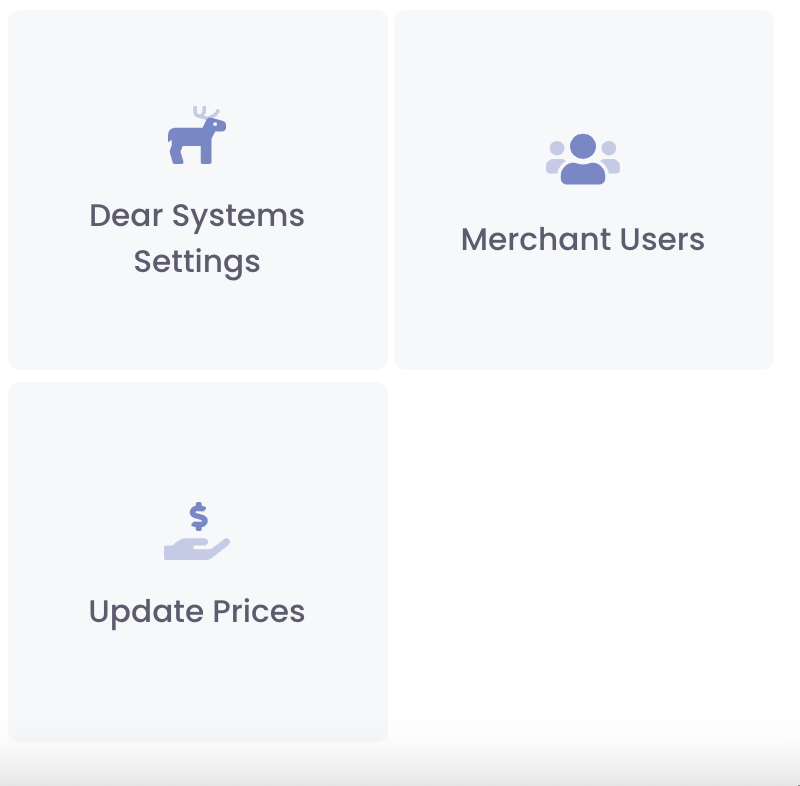
Click ‘Add User’ near the top right corner.
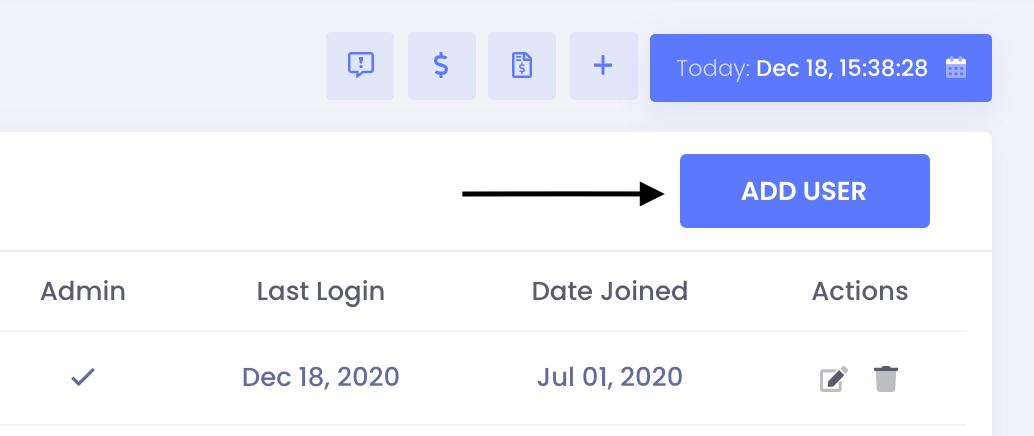
- Fill out the data fields and click ‘Create.’ The new user will receive an email at the address listed – from there, they will be able to set a personal password and login to the app.
Note: The notes section on each order tracks order changes based on the user that makes those changes. It’s important that each of your employees with access to Kase has their own username and password so that order changes can be tracked and assigned to the proper user.
There can only be one admin on the account. If you need to change admin users, please email our support team at Kase-Fulfullment@Kase.com.
Comments
0 comments
Please sign in to leave a comment.