
Step 1: Disable Automatic Fulfillment in Kase
If you want more control over when fulfillment is requested, follow these steps:
- Visit the Kase integration page.
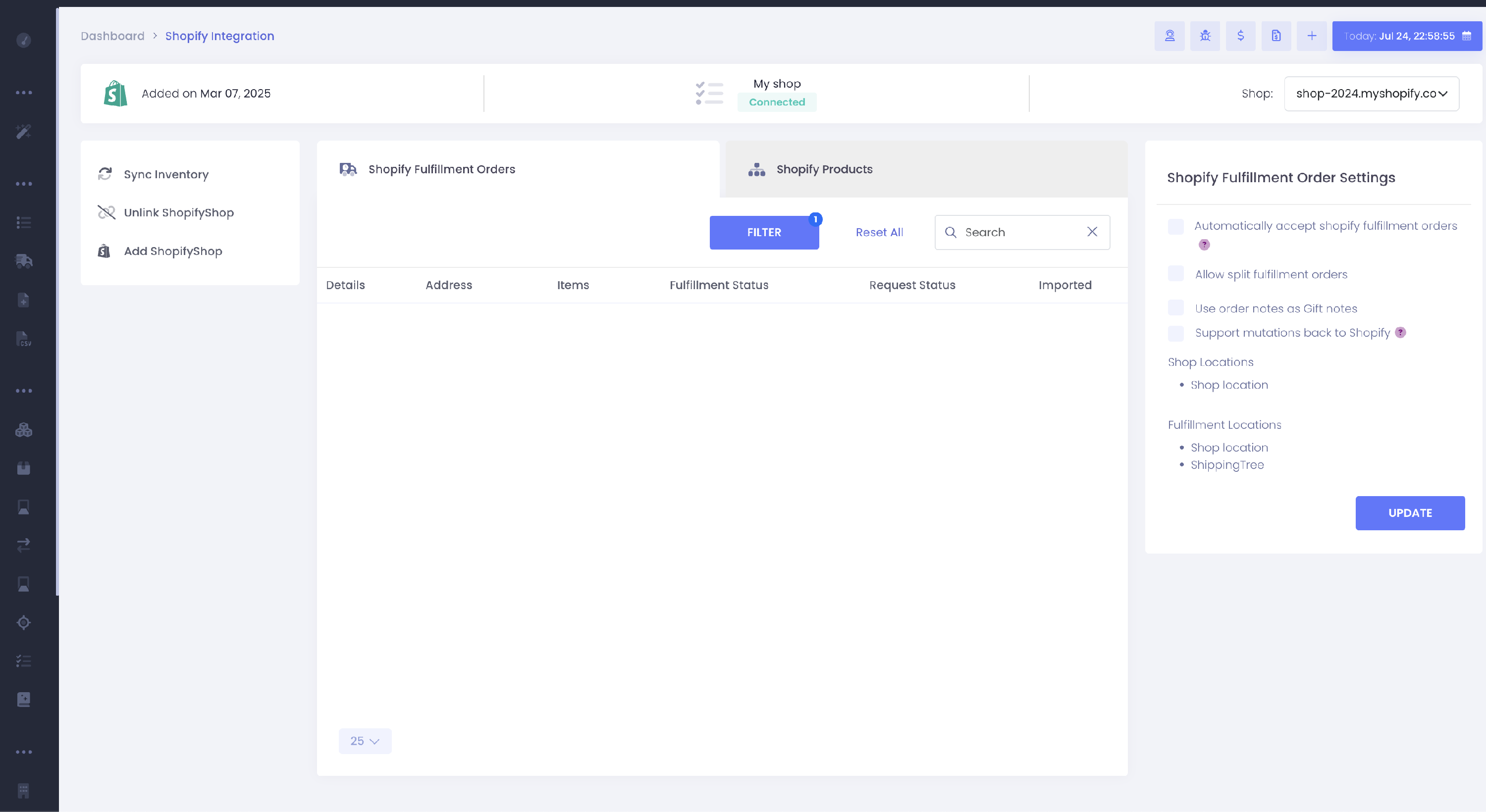
- Locate the checkbox labeled "Automatically accept Shopify fulfillment orders."
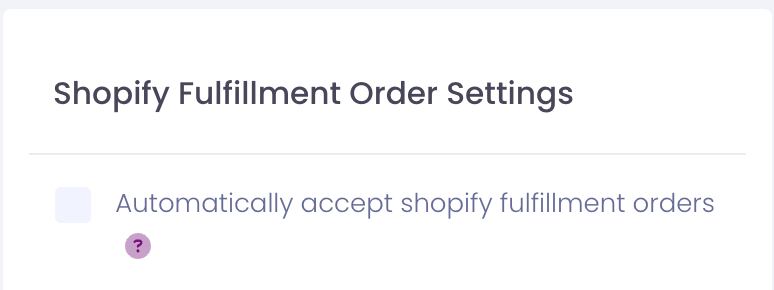
- Uncheck this option to prevent Kase from automatically requesting fulfillment on your behalf.
- Kase will now wait for your manual request to process fulfillment.
Step 2: Set Up Automatic Fulfillment in Shopify
To automatically request fulfillment from Shopify once an order has been paid:
- Go to your Shopify store’s admin panel: Shopify Admin - General Settings.
- Scroll down to the Order Processing section.
-
Under After an order has been paid, select the option Automatically fulfill the order's line items.
You can learn more about this process in Shopify’s official guide: Shopify Order Processing Guide.
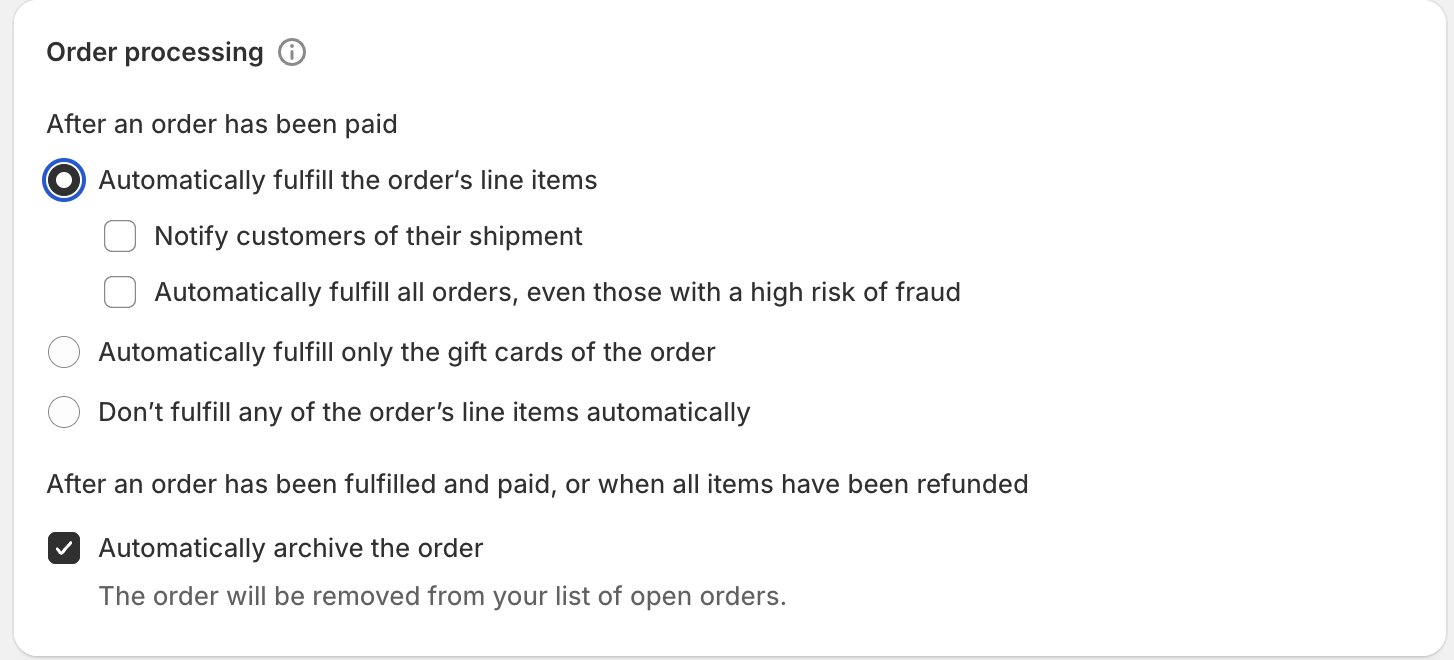
By following these two steps, you’ll have control over when Kase requests fulfillment, while still utilizing Shopify’s automatic fulfillment system.
Comments
0 comments
Please sign in to leave a comment.