
⚠️ Important Disclaimer:
Once inventory has been received under a SKU or the SKU is associated with an order, the SKU cannot be deleted from the system.
If the SKU has not been used for inventory or orders, you may be able to "soft delete" the SKU. This means the SKU will remain visible in our system but will be marked as “deleted.”
🧹 Steps to Soft Delete a SKU
If your SKU qualifies for deletion, follow the steps below:
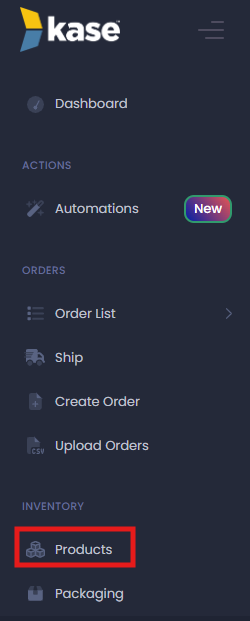
1. Go to Products
From your dashboard, select ‘Products’ from the main menu.
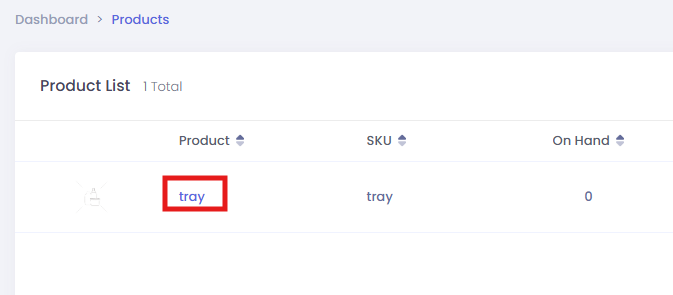
2. Select the Product
Find and click the product that contains the SKU you want to remove.
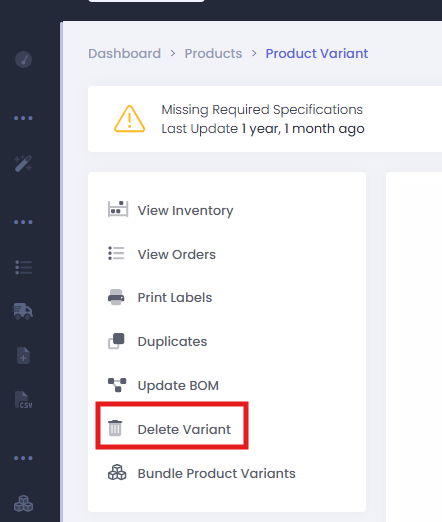
3. Click Delete Variant
In the top right corner of the product page, select ‘Delete Variant.’
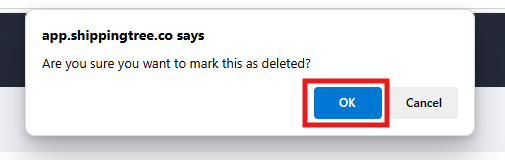
4. Confirm Deletion
A confirmation window will pop up. Select ‘OK’ to proceed.
If you have any questions about whether a SKU can be deleted or need support with cleanup, feel free to reach out to our team.
Comments
0 comments
Please sign in to leave a comment.